
Product Multi Buy is a powerful feature in ACE POS that allows you to set up customized discounts when customers purchase multiple quantities of the same product.
Example: Buy 2 coffees and get 10% off.
To configure a Product Multi Buy discount:
- Navigate to the Discount menu and select Product Discount.
- Choose the Restaurant/Store.
- Select the Category you want to apply the discount to.
- Choose whether the discount applies to some or all products within that category.
- Add the discount condition quantity (QTY) and define the discount value.
- Select whether the discount is applied as a fixed amount or a percentage.
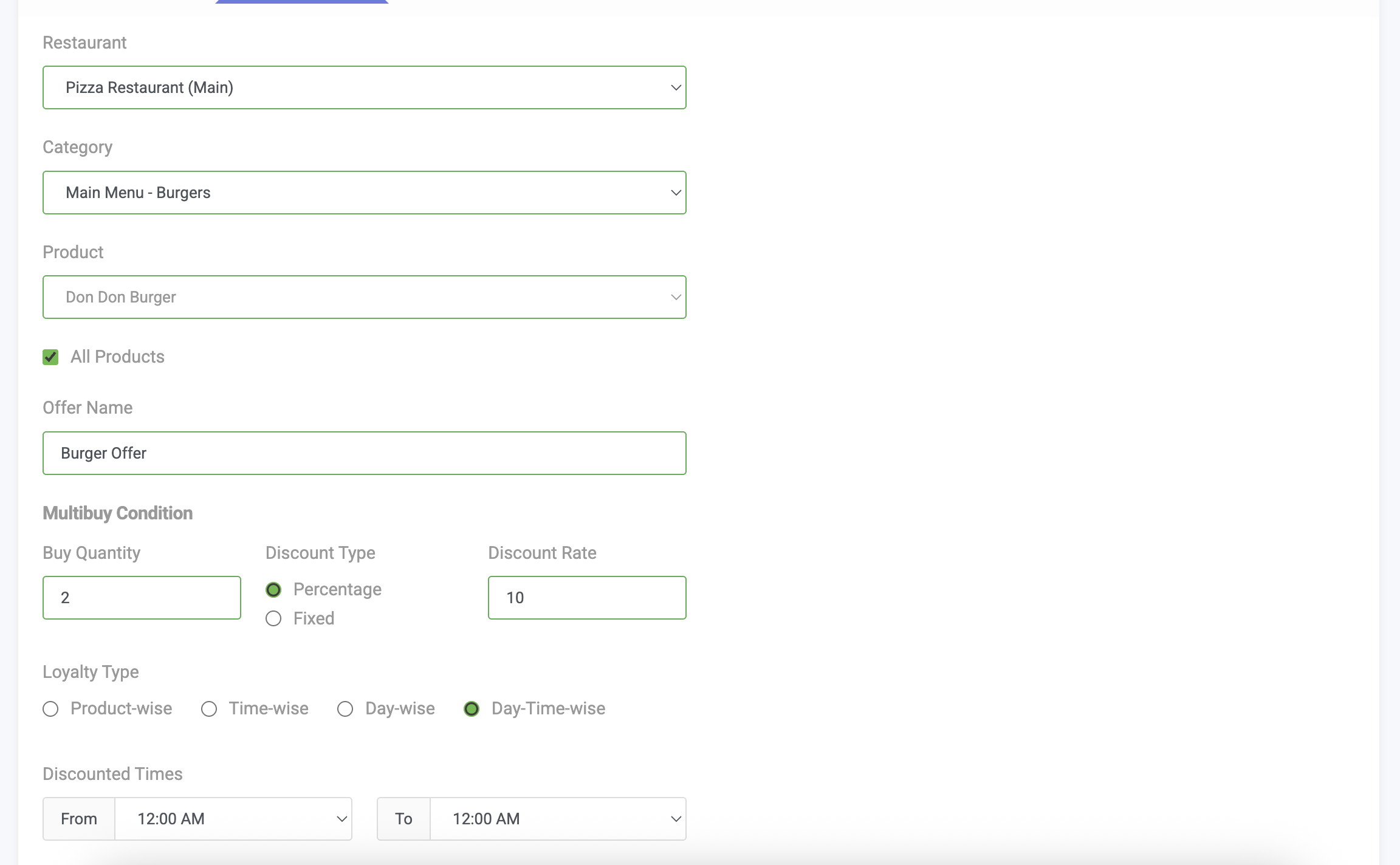
Multi Buy discount POS software