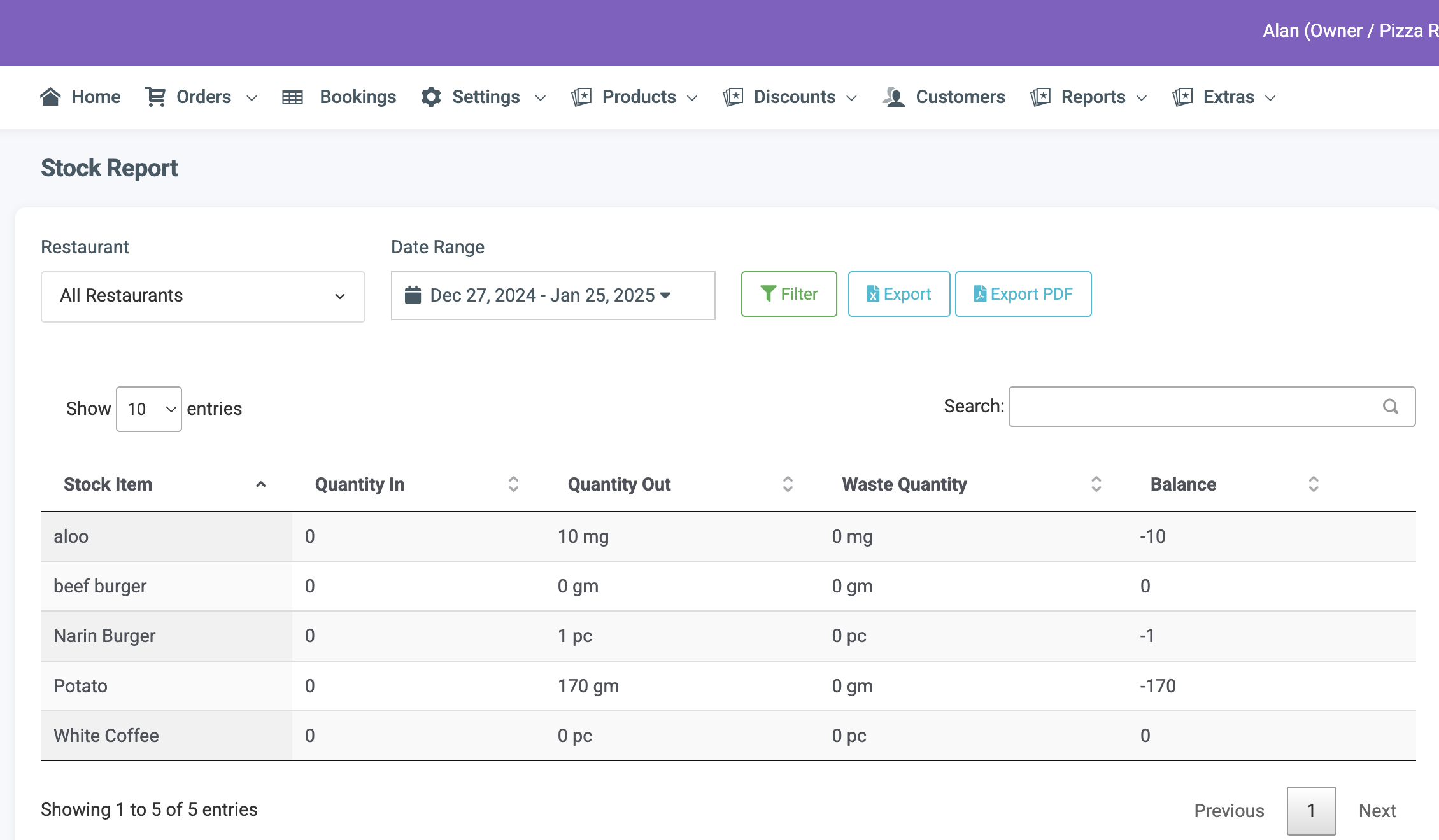
To access stock reports, navigate to Reports -> Stock Report.
This report displays a list of stock items sold during a specified time period. Use the date picker to filter the data, and you can export or print the report as needed.
ACE POS is a state-of-the-art point-of-sale system designed to deliver exceptional performance, efficiency and value. We’re proud to offer what we believe is one of the best solutions on the market, combining powerful features, reliability and affordability.